N2OS on your Home Screen or Dock
Give your workspace its own icon on your phone, tablet or Mac. Open tasks, conversations and notifications in a focused app window, or keep using your browser.
This is the N2OS testing site: a separate place, with separate accounts, for trying things with made-up information. It installs as “N2OS Testing”. The live N2OS is at platform.n2os.co.uk.
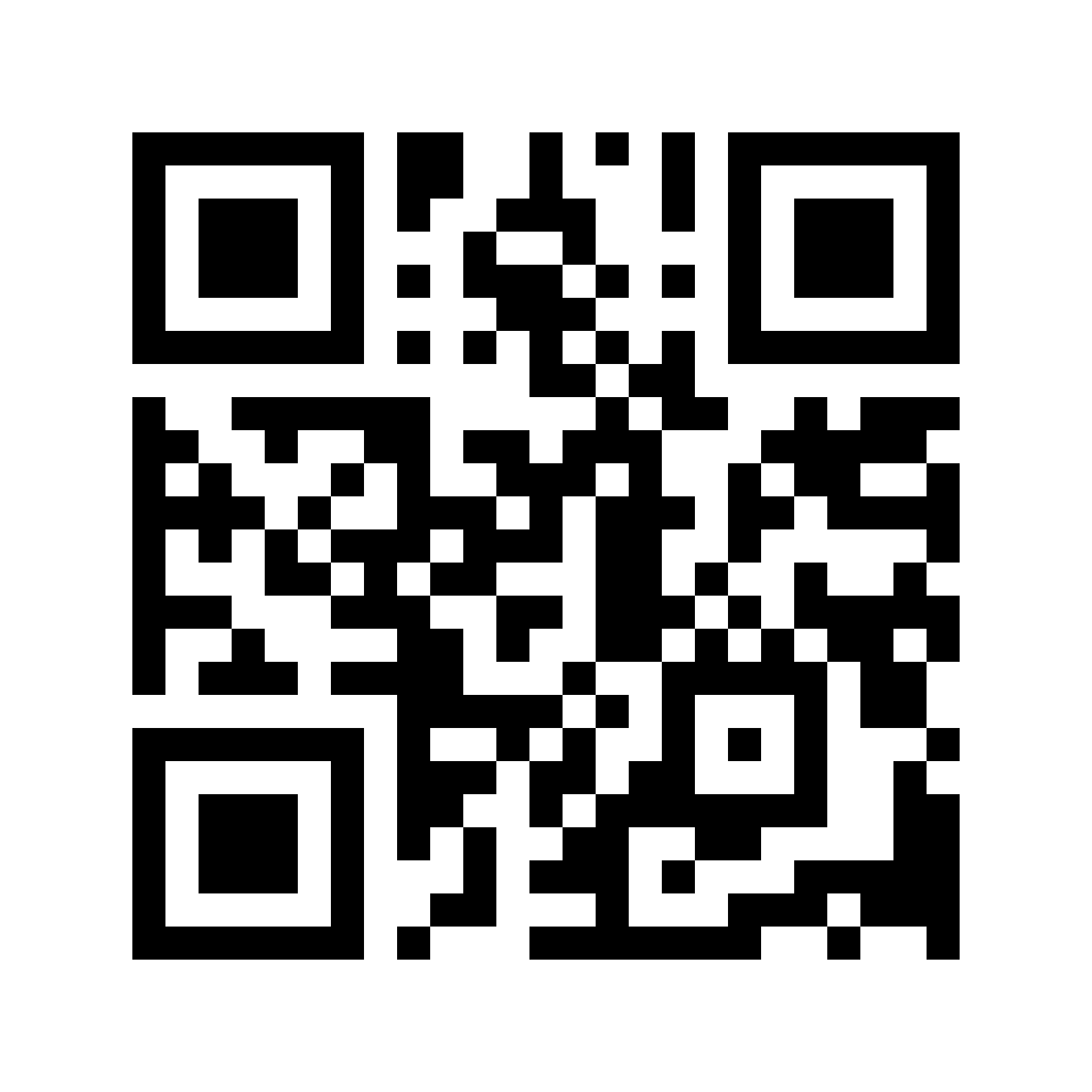
On a computer?
Point your phone's camera at the code, or type test.n2os.co.uk into your phone's browser.
iPhone and iPad
- Open test.n2os.co.uk in Safari.
- Tap Share (the square with an arrow pointing up), or find Share in the page menu.
- Tap Add to Home Screen. If offered, turn on Open as Web App, then tap Add.
- Open N2OS Testing from its new Home Screen icon and sign in.
Installation needs your confirmation in the Share menu; this website cannot do it automatically. Notifications work only when N2OS is opened from the Home Screen icon, on iOS or iPadOS 16.4 or later.
Android
- Open test.n2os.co.uk in Chrome.
- If an Install N2OS button appears on this page, tap it.
- Otherwise tap the ⋮ menu, then Install app or Add to Home screen.
- Open N2OS Testing from your Home screen or app list and sign in.
The Install button only appears when the phone's browser offers it. Samsung Internet and Edge have the same option in their menus.
Mac and other computers
- Chrome: open the ⋮ menu, choose Cast, save and share → Install page as app. You can also use the address-bar install icon or this page’s Install button when offered.
- Safari on macOS Sonoma 14 or later: choose File → Add to Dock, check the name, then choose Add.
- Edge: open its menu and choose Apps → Install this site as an app.
- Open the installed app and sign in. On Mac, keep its icon in the Dock for quick access. A browser bookmark remains available if you prefer not to install.
Then enable notifications
Open N2OS from its new icon. Go to Notifications, choose Turn on notifications and allow the browser or device prompt. Send a test to this device and confirm you saw it. Installation alone does not allow notifications.
Open notification settingsAlready installed with an older icon? Accept an app update when Chrome offers it. Other browsers may keep the icon until you add the app again; do not clear website data just to update an icon.
N2OS keeps nothing private on your device while you are offline: messages, jobs and files are loaded only when you are signed in and connected.